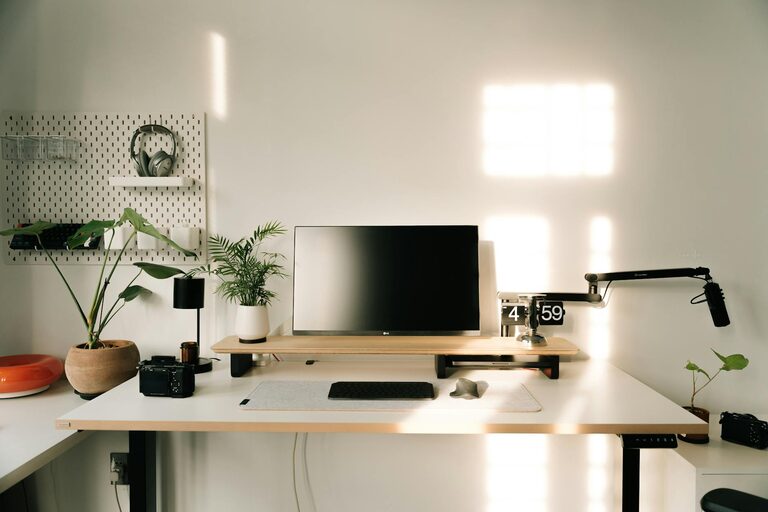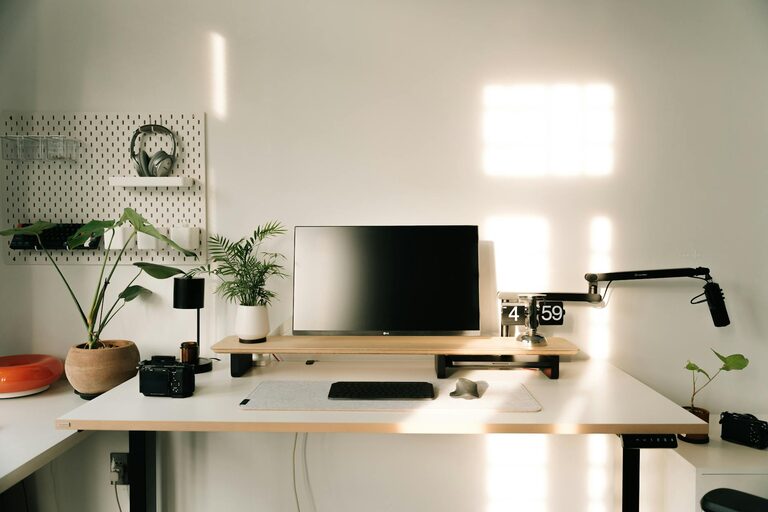
Creating a relaxing home office space can significantly impact your productivity and comfort throughout the workday. Whether you’re working from home full-time or occasionally need a dedicated spot for tasks, crafting an environment that supports focus and relaxation is key. Here are some practical tips to help you design a home office that feels both calming and energizing.
Choose the Right Location
Find a Quiet Corner
Start by selecting a quiet area in your home with minimal distractions. This could be a spare room, a section of the living room, or even a nook near a window. Having a defined workspace helps separate work from leisure and keeps your mind focused.
Maximize Natural Light
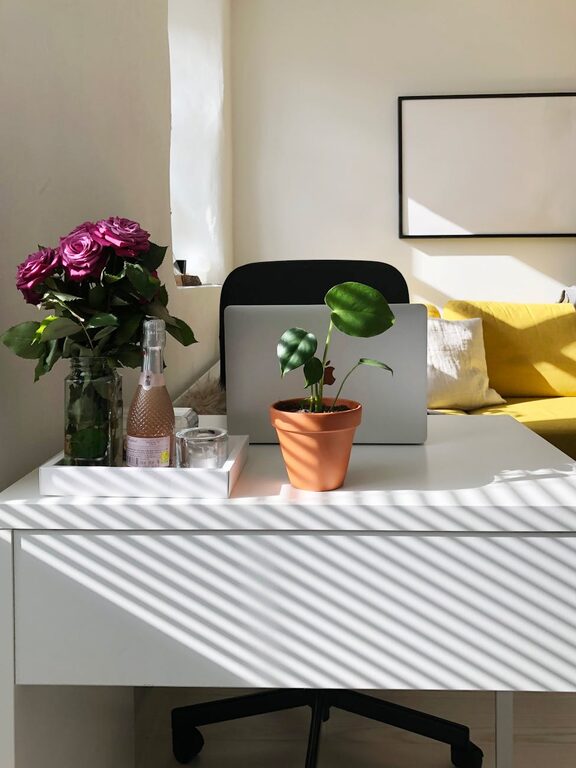
If possible, position your desk near a window to take advantage of natural light. Sunlight boosts mood and alertness, reducing eye strain and creating a pleasant atmosphere.
Invest in Comfortable Furniture
Ergonomic Chair
A supportive, ergonomic chair is essential. It helps maintain good posture and reduces the risk of back pain during long hours at your desk.
Adjustable Desk Options
Consider a desk that allows you to adjust its height. Standing desks or sit-stand converters offer flexibility to change your posture, promoting comfort and reducing fatigue.
Incorporate Calming Colors and Decor
Choose Soothing Colors
Colors like soft blues, greens, or neutrals are known for their calming effects. Avoid overly bright or distracting colors that can make it harder to concentrate.
Personalize with Plants and Art
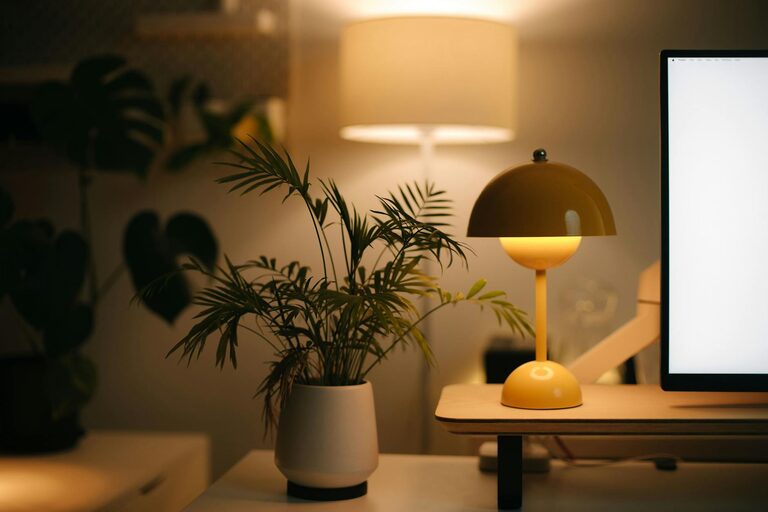
Adding a few indoor plants can improve air quality and introduce a natural touch. Simple artwork or photos that inspire you also create a welcoming and motivating space.
Organize for Efficiency and Tidiness
Declutter Regularly
A clutter-free workspace reduces stress and helps maintain focus. Use storage solutions like shelves, drawers, and desk organizers to keep essentials within reach but out of the way.
Keep Technology Managed
Use cable organizers or clips to keep cords untangled. A clean desktop encourages a clearer mind and smoother workflow.
Control Lighting and Sound
Use Layered Lighting
Combine ambient, task, and accent lighting to create a balanced environment. Desk lamps with adjustable brightness help reduce eye strain during detailed work.
Manage Noise Levels
If noise is an issue, consider noise-cancelling headphones or soft background music to improve concentration. White noise machines can also mask distracting sounds effectively.
Develop a Routine and Break Space
Schedule Regular Breaks
Your home office should encourage breaks to recharge. Include a small area with a comfortable chair or cushion to step away from your desk and relax briefly.
Incorporate Mindful Elements
Items like a small water fountain, scented candles, or stress-relief tools can create moments of calm and help you reset during the day.
Optimize Technology Setup
Use Quality Equipment
Reliable computers, monitors, and accessories make your work smoother and less frustrating. Invest in good-quality peripherals like a mouse and keyboard tailored to your needs.
Ensure Good Internet Connectivity
Strong internet is crucial for efficient remote work. Position your router strategically or use a wired connection to avoid interruptions.
Keep the Air Fresh and Comfortable
Ventilation
Good airflow prevents stuffiness. Open windows when possible or use a small fan or air purifier to maintain fresh air circulation.
Temperature Control
Keep your office at a comfortable temperature, using heaters or fans if needed. Feeling too hot or cold can quickly reduce focus.
—
Final Thoughts
A relaxing and well-organized home office can make a big difference in how you feel and perform during your workday. By focusing on comfort, lighting, organization, and personal touches, you can create a space that inspires productivity while keeping stress at bay. Start with small changes, and you’ll soon enjoy a more pleasant and effective workspace.