Creating a productive home workspace is essential for anyone working or studying from home. A well-organized and thoughtfully designed area can help you stay focused, reduce distractions, and improve your overall work efficiency. Whether you have a dedicated room or just a small corner, these tips will help you optimize your space for productivity.
1. Choose the Right Spot
Start by selecting a location that minimizes interruptions and suits your work style. Ideally, this should be a quiet area with good natural light. If possible, choose a space away from high-traffic zones like the kitchen or living room.
Consider these factors:
– Proximity to natural light for mood and energy
– Access to power outlets for devices
– Enough space to comfortably fit your desk and chair
– Minimal noise and distractions
2. Invest in Comfortable and Functional Furniture
Comfort plays a crucial role in maintaining productivity, especially during long work hours.
Essentials include:
– Ergonomic chair: Supports good posture and reduces strain
– Desk space: Enough surface area for your computer, paperwork, and accessories
– Adjustable furniture: Allows you to change sitting positions or switch to standing if possible
Ergonomic setups not only improve comfort but also help prevent health issues like back or neck pain.
3. Declutter and Organize Your Desk
A cluttered workspace can hinder your concentration and increase stress.
Tips for decluttering:
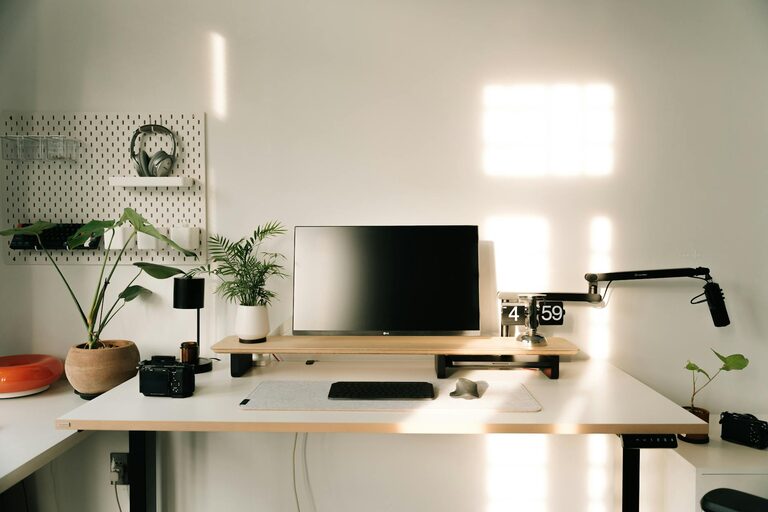
– Keep only essential items on your desk
– Use organizers, trays, or drawer dividers to store supplies
– Have dedicated spots for often-used items, like pens, notebooks, or chargers
Regularly tidy your workspace at the end of each day to maintain order.
4. Optimize Lighting
Good lighting reduces eye strain and enhances focus.
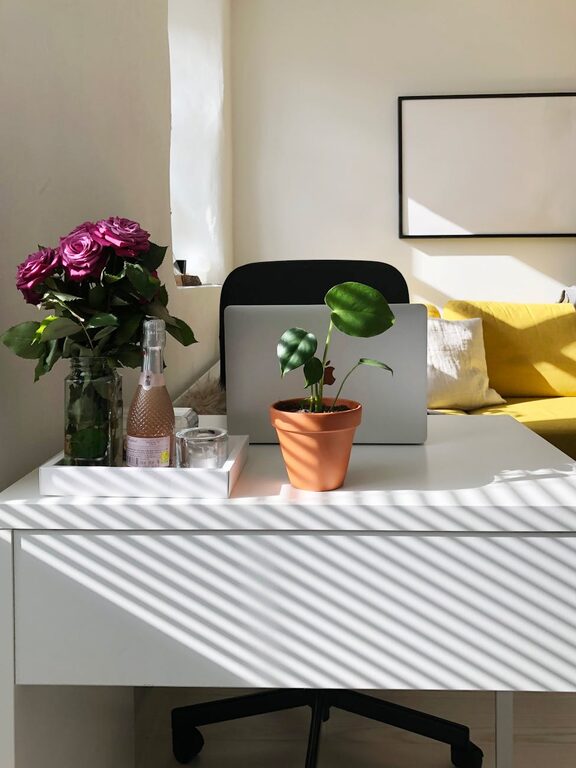
– Natural light is best, so try to position your desk near a window.
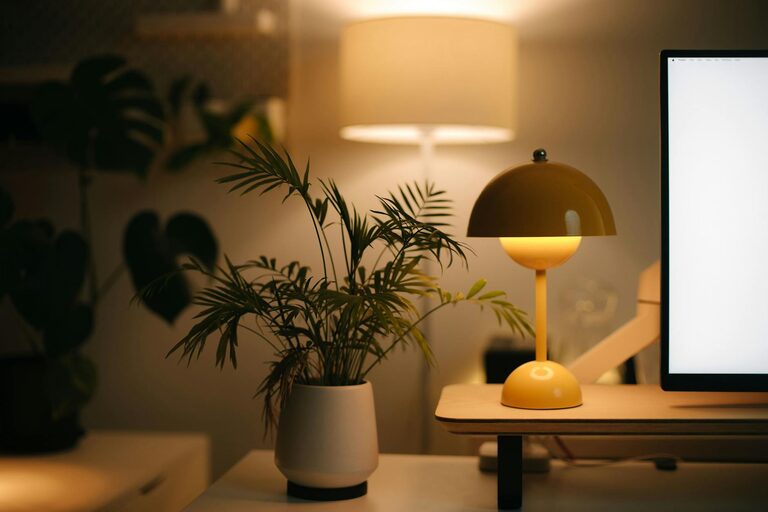
– Use task lighting, like an adjustable desk lamp, for detailed work or when natural light is insufficient.
– Avoid harsh overhead lights or glare on screens by adjusting curtain or blind settings.
5. Manage Cables and Electronics
Messy cables are distracting and can create safety hazards.
Cable management ideas:
– Use cable clips or ties to bundle and route cords neatly
– Keep chargers and cables within easy reach but off your desk surface
– Consider wireless devices like keyboards and mice to reduce clutter
6. Personalize Your Space Thoughtfully
Adding personal touches can make your workspace inviting and boost motivation.
– Display a few photos, artwork, or plants to create a pleasant atmosphere
– Avoid overcrowding your space with personal items
– Choose colors and decor that make you feel calm and energized
7. Establish Clear Boundaries
Separating work and home life is vital, especially when working remotely.
– Use room dividers or screens if your workspace is part of a shared area
– Set specific working hours and communicate them with household members
– Avoid working in areas used for rest or relaxation, like bedrooms or couches
8. Keep Essential Supplies Within Reach
Having everything you need close by reduces interruptions.
– Stock your workspace with frequently used items: notebooks, pens, sticky notes, water bottle
– Use shelves or storage bins for less-used supplies to avoid clutter
– Replenish your supplies periodically to avoid last-minute distractions
9. Use Technology to Your Advantage
Leverage tools and apps to help organize your workflow.
– Set reminders and alarms to manage time effectively
– Use digital to-do lists or project management tools to track tasks
– Minimize notifications and distractions on your devices during work hours
10. Take Breaks and Refresh Your Space
Regular breaks improve focus and prevent burnout.
– Set aside time for short breaks away from your desk
– Use breaks to stretch, get fresh air, or hydrate
– Periodically review your workspace setup and make adjustments to improve comfort and efficiency
—
Final Thoughts
A productive home workspace is well within reach with a little planning and organization. By choosing the right location, maintaining an ergonomic setup, and keeping your space tidy and personalized, you can create an environment that supports your best work. Remember, regular evaluation and adjustments help maintain a workspace that adapts to your changing needs. Happy organizing!