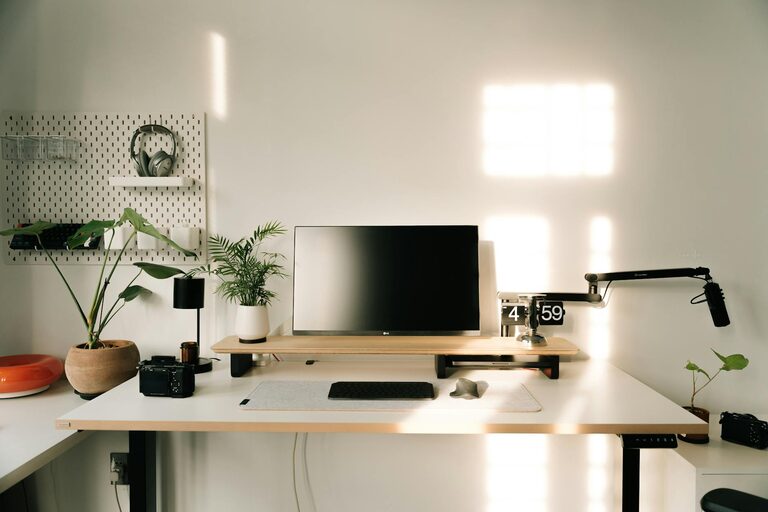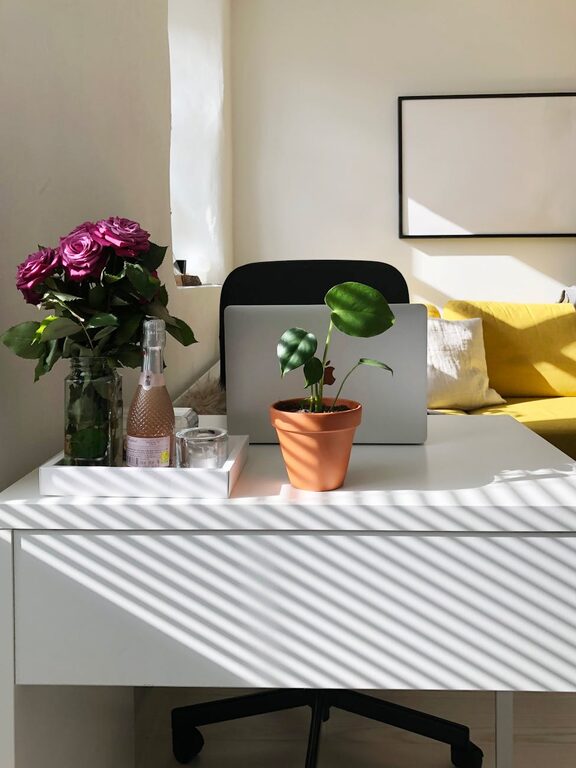
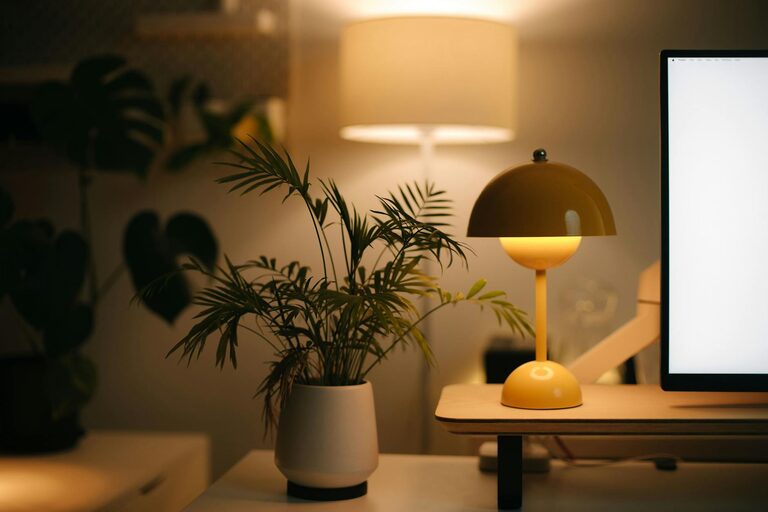
Creating a cozy and functional home workspace is essential for anyone working remotely or managing tasks from home. A well-designed workspace not only boosts productivity but also supports comfort and well-being. Whether you have a dedicated room or a small corner, these tips will help you transform your area into a space that inspires focus and relaxation.
Choose the Right Location
Finding the best spot for your workspace is the first step. Ideally, select a place with:
– Good natural light: Sunlight can improve mood and reduce eye strain.
– Minimal distractions: Pick a quiet area away from heavy foot traffic.
– Proper ventilation: Fresh air helps keep you alert and comfortable.
– Adequate space: Ensure you have enough room for your essentials without feeling cramped.
If possible, dedicate a corner or room exclusively for work to create mental separation from leisure zones.
Invest in Comfortable Furniture
Your furniture choices impact both comfort and efficiency. Consider the following:
Ergonomic Chair
A supportive chair reduces back and neck pain. Look for:
– Adjustable height and backrest
– Lumbar support
– Comfortable padding
Desk
Pick a desk that fits your space and work style:
– Size: enough surface area for computer, documents, and tools
– Height: suits your posture for typing and writing
– Storage options: drawers or shelves help keep items organized
Standing desks or converters can offer the flexibility to alternate between sitting and standing.
Optimize Lighting
Good lighting prevents eye strain and promotes focus.
– Use natural light when possible but avoid glare on screens.
– Supplement with adjustable desk lamps or overhead lighting.
– Select warm or neutral light bulbs for a cozy atmosphere.
Position your desk near windows but be mindful of direct sunlight causing screen reflections.
Organize Your Supplies
Clutter can hamper productivity. Keep your workspace tidy by:
– Using desk organizers for pens, notebooks, and tech gadgets.
– Adding shelves or filing cabinets to store documents.
– Keeping cables managed with clips or sleeves.
Regularly declutter to maintain a clean environment and reduce stress.
Add Personal and Cozy Touches
Incorporate elements that make your workspace inviting:
– Plants: Small indoor plants improve air quality and add life.
– Textiles: A soft rug, cushions, or curtains can soften the space.
– Artwork or photos: Personal art boosts motivation and comfort.
– Scent: A subtle candle or diffuser creates a pleasant atmosphere.
Balancing function with personal style helps you enjoy your workspace feel.
Manage Noise Levels
Noise can be distracting, so consider these solutions:
– Use noise-cancelling headphones or white noise machines.
– Add soft furnishings like curtains and rugs to absorb sound.
– Set boundaries with household members during work hours.
Creating a calm environment supports concentration and reduces interruptions.
Set Up Technology Efficiently
Ensure your tech setup supports smooth work flow.
– Position your monitor at eye level to avoid neck strain.
– Use a reliable internet connection.
– Keep cables neatly arranged.
– Invest in accessories like an external keyboard or mouse for comfort.
Back up important files regularly and maintain proper cybersecurity practices.
Incorporate Break and Movement Areas
Taking breaks is crucial for long-term productivity.
– Create a small spot for stretching or quick exercises.
– Consider placing a comfortable chair nearby for rest.
– Use timers to remind yourself to move and rest eyes.
A workspace that encourages balance promotes both efficiency and health.
Personalize Your Routine
No workspace is complete without a good routine.
– Set consistent working hours.
– Organize daily tasks with to-do lists or planners.
– Use calendars or apps to track deadlines and meetings.
A clear schedule helps maximize your workspace advantages.
—
By following these tips, you can create a home workspace that feels both cozy and highly functional, tailored to your needs and style. A well-designed area encourages focus, reduces stress, and makes working from home a positive experience. Start with small changes and gradually adjust your space until it feels just right for you.